
The phone number is the warning sign
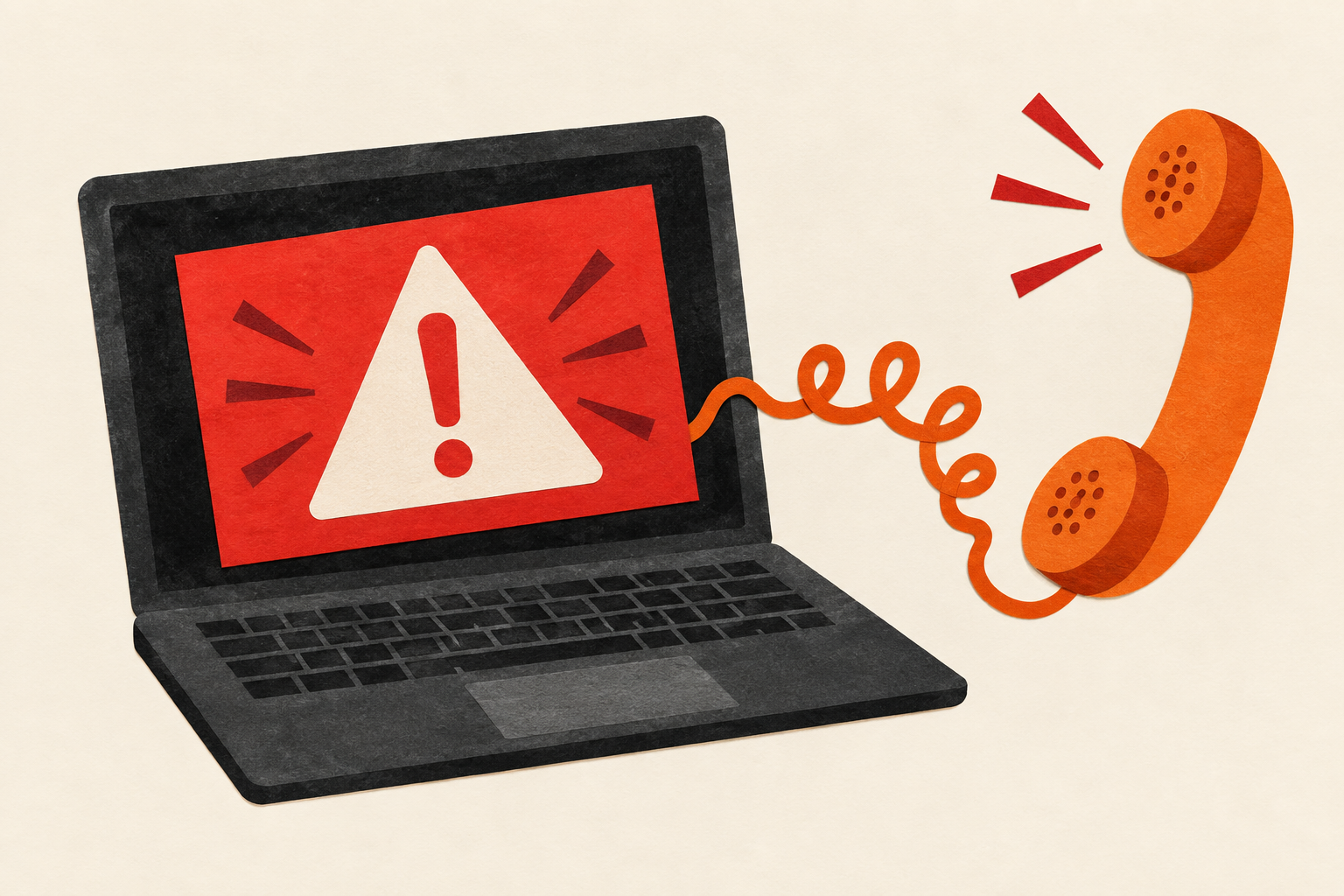
The FTC says real security pop-up warnings will not ask you to call a phone number. A fake alert may borrow a familiar company’s name and claim your computer is infected. The aim is to get you to call the supposed helper. This is established consumer guidance, not a report of a new September attack. [1]
The call can change what you give away
According to the FTC, the caller may ask for remote access, pretend to find a problem and charge for a bogus repair. Its guidance recommends seeking help from a known, trusted provider. A persuasive diagnosis delivered through the warning’s own phone number is not independent verification. [1]
Separate the alarm from the help
Hypothetical example: Imagine a browser tab saying your files are in danger and displaying a support number. Instead of calling, you stop and use contact details from the company’s official website or an established support relationship. The important change is who selected the route to help. This is an illustrative scenario, not an actual alert or proof that a particular device is safe.
Check through a trusted route
The FTC’s April 2025 alert advises slowing down, updating security software and running a scan if you are concerned. For assistance, use contact information from the official company website. The absence of a real problem in the pop-up’s story does not replace checking your computer through trusted tools. [2]
Go a little deeper
Optional reading · about 1 more minute
Keep control of the next step
Our interpretation: Our reading is that the useful habit is choosing the support channel before accepting the diagnosis. You do not need to settle every technical detail in an alarming message to decide that its supplied phone number should not control your next action. This rule concerns unsolicited warning pop-ups, not every legitimate support phone number.
If access was already granted
The FTC links to recovery steps for people who paid, disclosed information or gave someone computer access. If a password was shared, it says to change it, including on other accounts that used the same password. Follow the original guidance for your situation; this article cannot establish whether a device is clean. [1]
Original sources
Attributed synthesis, not original reporting. Examples labeled hypothetical or illustrative are explanatory. Reviewing a source does not independently validate its findings.
- FTC: How To Spot, Avoid, and Report Tech Support Scams ↗
September 26, 2025 guidance, date corroborated by FTC article listing; warning, remote-access, avoidance and recovery sections read September 17, 2026. No prevalence or named-service allegation.
- FTC: Seemingly urgent security messages could lead to tech support scams ↗
April 2025 consumer alert reviewed September 17, 2026. Official guidance about pop-ups, scans and independently selected contact details.